How to Reduce Neck and Back Pain While Working at a Desk
A practical guide to reducing neck and back pain from desk work with posture changes, visual breaks, movement cues, and better break timing.
Restier turns break reminders into useful resets for your eyes, posture, breathing, and mobility. Less stiffness, less eye strain, and fewer badly timed interruptions.
Download NowFree 14-day trial. No credit card required.
 macOS
macOS  Windows
  Linux
Linux 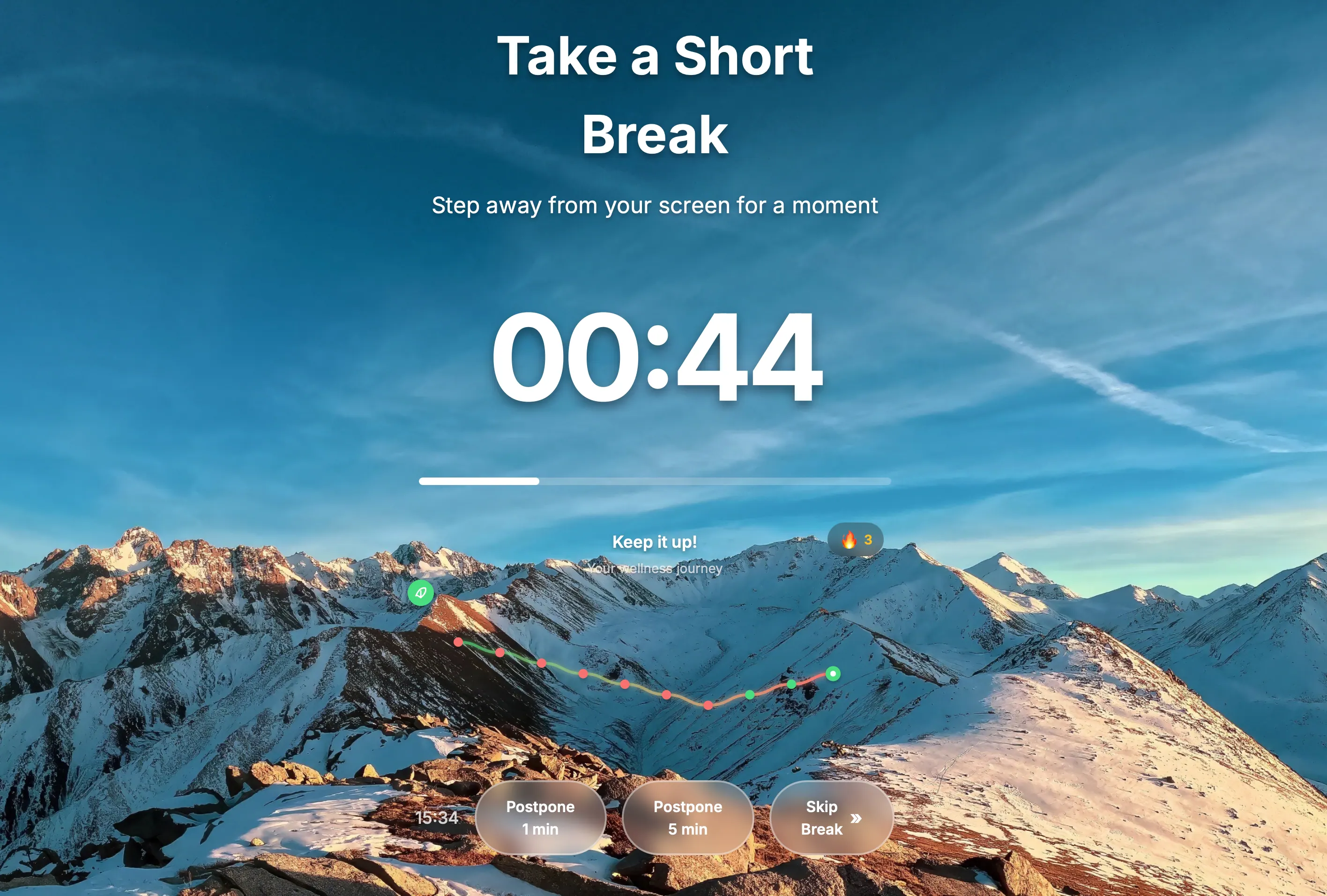
Grab the installer for your system. Linux users can choose .deb or .rpm (x64 and ARM64).
Fair-use trial: 14 days, one per device, quick online check.
Need another format? Contact us and we will help.
Guided breaks turn a reminder into a useful micro-experience for your eyes, posture, breathing, and mobility, with variants based on break length.
Short guided sequences help release tension before your back and neck feel locked up.
Visual reset prompts and 20-20-20 style moments live directly inside the break overlay.
Restier stops feeling like another timer and starts feeling like a modern, useful break coach you want to keep using.
A short break to lower tension and rest your eyes without losing the rhythm of your day.
Each break can surface a different suggestion depending on duration and your preferences.
Restier is built to reduce physical strain during desk-heavy workdays and make healthy breaks easier to follow, not more annoying.
Your breaks are no longer just a countdown. They can include breathing, gentle mobility, visual resets, and posture cues.
Short prompts help you avoid spending hours locked into the same position before discomfort builds up.
Visual reset prompts and 20-20-20 style breaks help cut screen fatigue before it becomes the default.
Meeting-aware and idle-aware reminders help breaks land at better moments in your workday.
Full-screen multi-monitor overlays plus lighter reminder modes when you want a less invasive prompt.
Stats, streaks, and flexible schedules help turn good intentions into a routine you keep following.
Want a healthier desk-work routine?
Download NowWe collect minimal data for licensing and trial protection, and we do not track your screen, files, or personal health information.
Idle detection pauses automatically when you step away, and meeting detection avoids interruptions during calls.
Customize your schedule, get pre break alerts, and see simple stats to build consistent habits.
Built by a developer who needed it
I’ve been a software engineer for 17 years. I love deep focus, but I can lose track of time and spend hours without looking away from the screen or leaving the chair. In my 20s that was fine, but over time it caught up with me. I wanted a modern, consistent experience across Windows at work and macOS and Linux at home. Restier started as my solution.
Set your work rhythm, let Restier pick better break moments, and turn healthy breaks into a routine you can sustain.
Set it up on your Mac, PC, or Linux machine and let Restier stay ready throughout your workday.
Adjust session length, break cadence, discipline, light mode, and preferences so it matches how you actually work.
During the day you get guided breaks, visual resets, and posture nudges designed to relieve real desk-work discomfort.
Download Restier and try a more useful break experience for long desk-bound workdays. Free for 14 days.
Download NowAvailable for macOS, Windows, and Linux • Free 14-day trial
A practical guide to reducing neck and back pain from desk work with posture changes, visual breaks, movement cues, and better break timing.
Restier now includes guided break content for posture, breathing, mobility, and eye relief, so a break reminder becomes a more useful reset.
Practical guide to Workrave alternatives in 2026, including Restier, Stretchly, and Time Out—pick the right break reminder app for your workflow.