How to Reduce Neck and Back Pain While Working at a Desk
A practical guide to reducing neck and back pain from desk work with posture changes, visual breaks, movement cues, and better break timing.
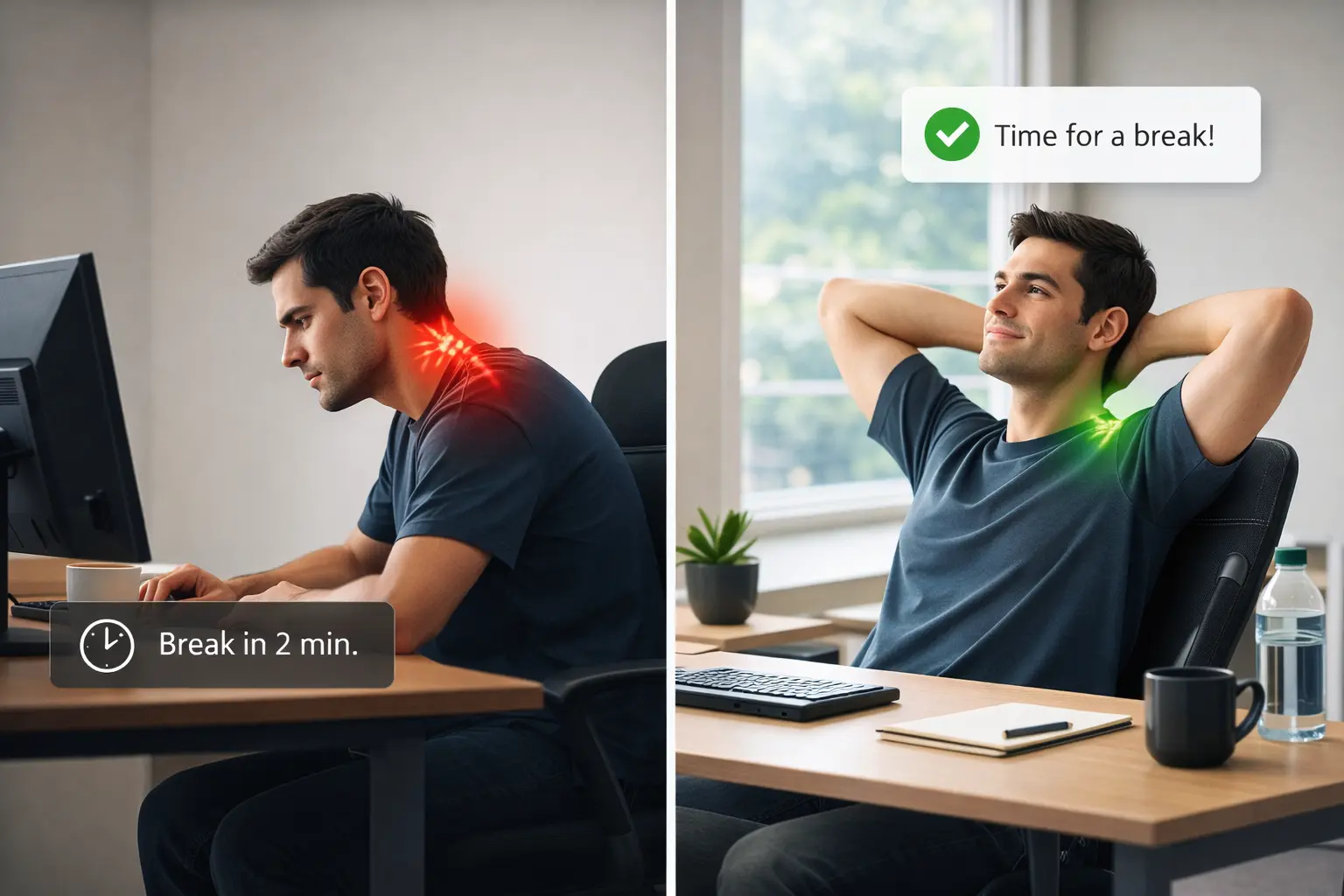
If you spend most of your day at a desk, chances are you already know the pattern: your shoulders creep up, your neck gets stiff, your lower back feels loaded, and by late afternoon your body feels heavier than your calendar.
The problem is not usually one dramatic moment. It is the accumulation of small things:
- sitting too long without changing position;
- looking at one distance for hours;
- bracing your shoulders while concentrating;
- working through discomfort because you are “almost done”.
The good news is that neck and back pain from desk work is often more manageable than it feels. You do not need a perfect ergonomic setup or a long mobility routine in the middle of a busy workday. You need a system that helps you interrupt the build-up of strain before it becomes your default state.
Why desk work creates so much neck and back tension
When people search for how to reduce neck pain while working at a desk or why does my back hurt after sitting all day, the answer is usually not just “bad posture”.
It is more accurate to think in terms of static load.
Your body can tolerate a lot more than one fixed position repeated for hours. Even a “good” posture becomes tiring if you stay there too long. Over time, a few patterns show up:
1. Your neck stays in low-grade tension
When you lean forward, crane toward the screen, or subtly tighten your jaw, the muscles around the neck and upper traps never fully relax.
2. Your back loses variation
Your spine likes movement. Desk work tends to flatten that variety. You stay in the same general shape, with the same pressure points, for too long.
3. Your eyes stay locked at one distance
This matters more than many people realize. Visual fatigue can increase overall physical tension. When your eyes are overloaded, your face, jaw, and neck often tighten too.
4. Your breaks happen too late
Many people do take breaks, but only once they already feel stiff, irritable, or depleted. By that point, recovery takes longer.
The most effective way to reduce desk-related pain
The goal is not “sit perfectly”.
The goal is to change state more often.
That usually means combining four things:
- Short posture resets
- Small movement breaks
- Eye breaks
- Better-timed reminders
Posture resets: keep them small
Trying to “sit correctly” all day usually fails because it is too rigid. A better approach is using small resets you can actually repeat:
- let your shoulders drop;
- lengthen the front of the neck slightly;
- bring your sternum up a little instead of arching aggressively;
- place both feet more solidly on the floor;
- unclench your jaw.
These cues work because they are light, not heroic. You can do them in 10 seconds and return to work.
Movement matters more than you think
When people look for desk stretches for neck and back pain, they often imagine a full routine. That can help, but for most workdays the highest-value action is much simpler:
- stand up;
- roll the shoulders;
- look away from the screen;
- take 3 to 5 slow steps;
- change position before sitting down again.
Even one minute of variation can reduce the feeling that your body is “stuck”.
That is one reason short guided breaks work well: they remove the mental friction of asking yourself what to do every time.
Do not ignore eye strain if your neck hurts
People often separate eye strain and posture pain, but in desk work they are deeply connected.
If your eyes stay fixed on short-distance focus all day, you blink less, strain more, and often lean in toward the screen without noticing. That can increase tension through the face, neck, and shoulders.
A simple starting point is the 20-20-20 rule:
- every 20 minutes,
- look at something around 20 feet away,
- for 20 seconds.
You do not have to execute it perfectly for it to help. The point is to create regular moments where your visual system stops doing the same thing nonstop.
If you want a deeper explanation, you can also read our guide on the 20-20-20 rule for eye strain prevention.
Better break timing beats better intentions
One of the hardest parts of feeling better at a desk is not knowledge. Most people already know they should move more, sit differently, and rest their eyes.
The hard part is remembering at the right moment.
That is why a basic timer only solves part of the problem. A generic “take a break” alert still leaves you with three open questions:
- should I move?
- should I rest my eyes?
- should I fix my posture?
If the reminder shows up during a meeting, while you are away from your desk, or when you are already overloaded, it becomes easier to dismiss entirely.
What a useful desk-break system should include
If you want less neck and back pain from desk work, a break system should do more than count minutes. Ideally it should help with:
- short guided cues instead of generic alerts;
- visual resets for screen-heavy work;
- posture reminders that are quick and repeatable;
- better timing around meetings and away time;
- enough flexibility to fit your real job instead of an idealized schedule.
That is the direction we have been building toward in Restier.
Instead of only showing a timer, Restier can now surface guided breaks with short breathing prompts, visual resets, and posture or mobility cues during the break itself. The idea is simple: when the reminder appears, you should immediately know how to use that pause well.
If you want the product update version of that story, read Guided Breaks Are Now in Restier.
A practical desk-work routine that is easy to keep
If your goal is to reduce neck and back pain while working at a desk, start with something sustainable:
Every 20 to 30 minutes
- relax shoulders;
- look into the distance;
- blink deliberately;
- unclench your jaw.
Every 60 to 90 minutes
- stand up;
- take a short walk;
- reset your chest and neck position;
- give your eyes a longer break.
When discomfort starts building
Do not treat that as failure. Treat it as a signal that you waited too long to change state.
Shorter, earlier interventions are usually easier to keep than trying to “undo” three straight hours of tension at once.
The real goal: end the day feeling less loaded
For most desk workers, success is not becoming perfectly ergonomic. It is finishing the workday with:
- less neck tightness;
- less upper-back rigidity;
- less eye fatigue;
- fewer hours that disappeared without a single meaningful pause.
That is the standard worth aiming for.
If you want a simple way to build that into your workday, download Restier and try guided breaks, visual resets, and posture reminders in your own routine.


